
X FUSION
NEO.FX Trailer
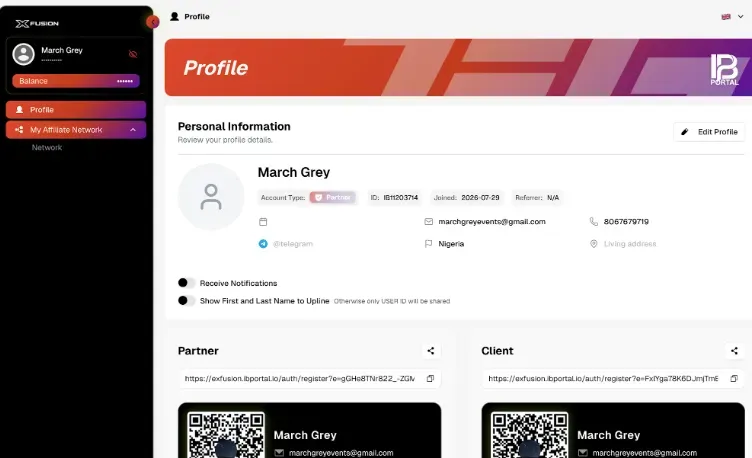
Xfusion Overview
How to Top-Up your MT5 Account
1. Login
2. Click Deposit from Dashboard
3. Choose Amount
4. Choose Crypto
5. Click Submit
6. Send Crypto to specified address
7. Once deposit arrives, Click on Menu
8. Click on CopyX
9. Choose the little two heads listed on the above screenshot (Followers Hub)
10. Scroll Up
11. Click Deposit
12. Select desired Strategy, NEO.FX or SONIC
13. Enter Deposit Amount
14. Click Deposit
How to Reinvest your profits utilizing the recently launched “Reinvest” button.
How to Set up MT5 & Track Results
1️⃣Open Tag Markets 🌐
2️⃣ Menu ➝ MetaTrader 5
3️⃣Download the app 📲
4️⃣ Back to the menu ➝ CopyX
5️⃣Open Details
6️⃣ Select the strategy ⚙️
7️⃣ Scroll down ⬇️
8️⃣View MT5 account details 🔐
– Account number
– Investor password
– Master password
9️⃣ Open the MT5 app 📱
1️⃣0️⃣ Search for ❗️T.M. Financials Ltd. ❗️as the broker 🔍
📝 Enter your account details ✍️
✅ Login completed
😎 Track your trades & results anytime

Document Pages Below













Remaining Pages of Document will be Listed Later